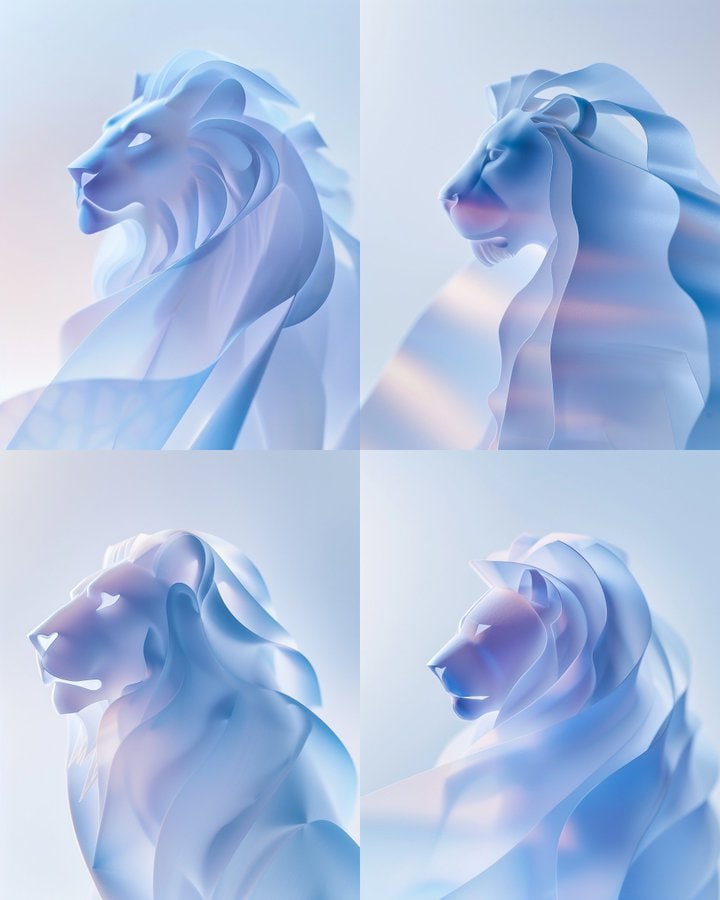
#MJ绘画技巧 #风格参考 #风格一致性 Midjourney V6 风格参考真的很容易出效果,找到合适的参考图可以直接将图片的质感提升一个层次。推荐去 Pinterest 找样式参考图,Pinterest 太好用了,它的推荐算法可以让你很快获得海量优秀的风格参考素材。 右图为参考的图片。Prompt词如下: /I a white cyber lion made of metal, it has a black beak, the background is white, minimal, avoided using a lot of feathers, clean --ar 4:5 --stylize 250 --sref https://s.mj.run/tlF3hhMhXWA --v 6.0 👉 Midjourney常见问题及使用教程汇总 👉讨论群:会员加入MJ内部讨论群 👉频道:
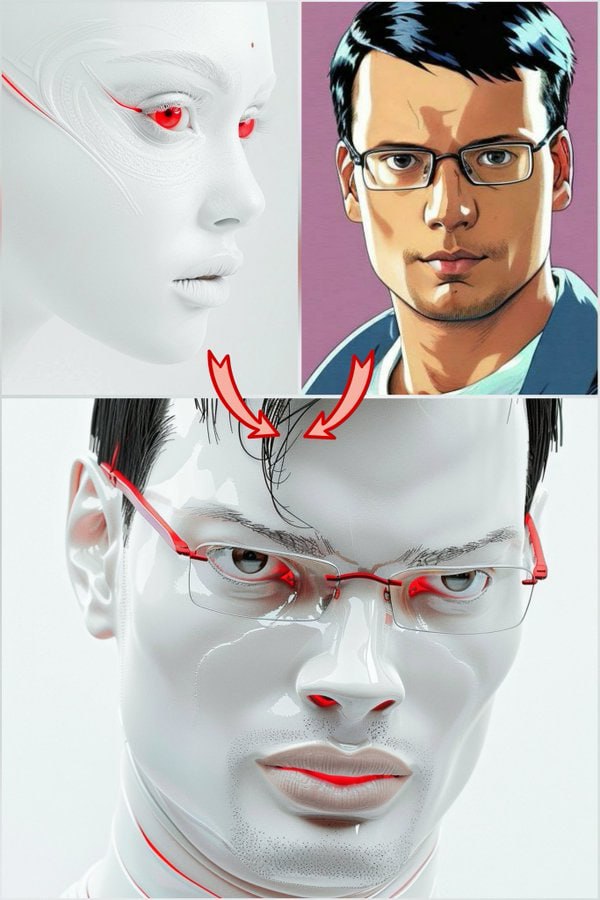
#MJ绘画技巧 #人物一致性 #风格一致性 人物照片融合 把Midjourney的人物一致性和风格一致性两个功能结合在一起使用,你的Midjourney会变得更加强大!你可以把你的个人照片融合到任何其他风格的照片当中。以下是简要的说明: 融合公式:/I [Prompt for the image style including character] --sref <Target_Style_Image_Link> --cref <Your_Pic_Link> --cw [0 to 20] --v 6.0 此处的Prompt应该描述目标图片的风格,设置人物一致性参数 --cw 0到20 效果最佳 例图中的Prompt词为: /I Prompt used for the main post image : stunning, pristine futuristic white man, wit