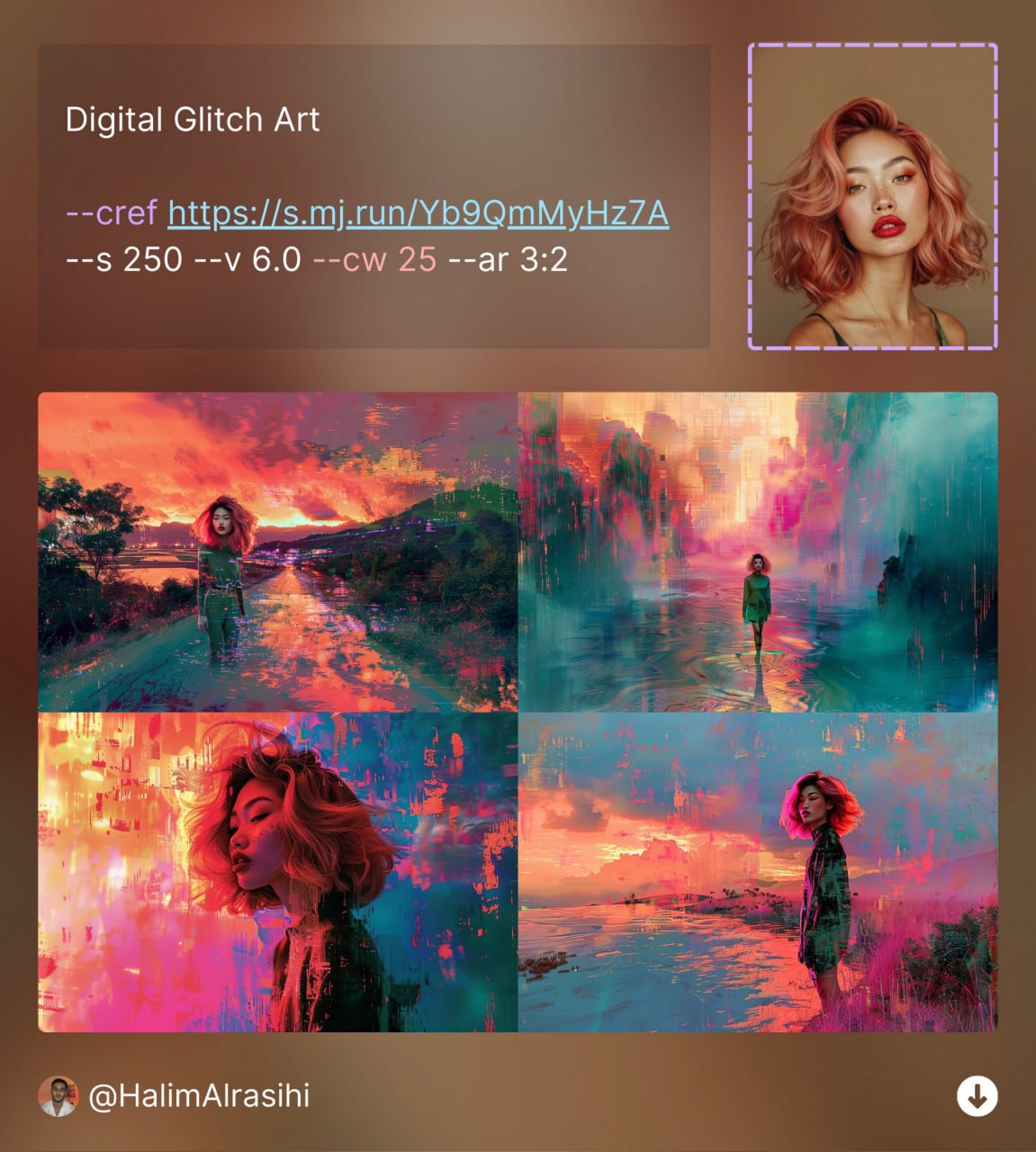
#MJ绘画技巧 #MJ视频教程 #人物一致性 MJ如何绘制同一角色,不同姿势和动作,关键词和命令参数视频教程 初始prompt词: /I A little girl, short black hair, no bangs, light blue overalls, blue sneakers, full body, full view, rich details, Pixer Disney, 3D, C4D, best lighting, best quality, solid color background --ar 3:4 --niji 6 拿到满意结果后上传到图床机器人 @aibox_img_bot 获取初始人物链接: https://telegra.ph/file/758080cc284b479337f18.jpg 应用人物一致性参数 --cref 修改原提示词指定不同的动作,即
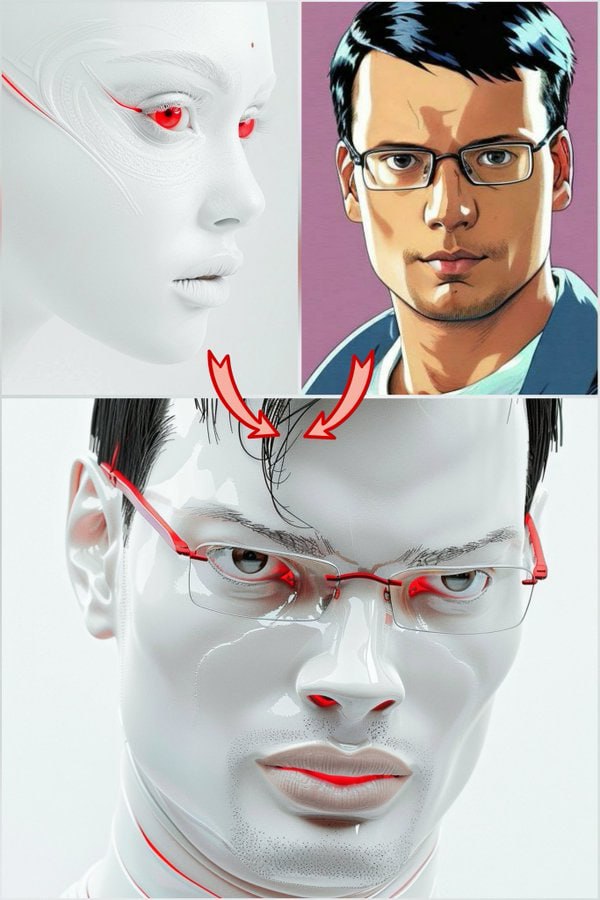
#MJ绘画技巧 #人物一致性 #风格一致性 人物照片融合 把Midjourney的人物一致性和风格一致性两个功能结合在一起使用,你的Midjourney会变得更加强大!你可以把你的个人照片融合到任何其他风格的照片当中。以下是简要的说明: 融合公式:/I [Prompt for the image style including character] --sref <Target_Style_Image_Link> --cref <Your_Pic_Link> --cw [0 to 20] --v 6.0 此处的Prompt应该描述目标图片的风格,设置人物一致性参数 --cw 0到20 效果最佳 例图中的Prompt词为: /I Prompt used for the main post image : stunning, pristine futuristic white man, wit